
Image SEO & accessibility
How to write useful image alt text for your online store
Write clear product image alt text with practical examples. Learn what to describe, what to avoid and how reviewed descriptions travel with exports.

Alt text is a short description attached to an image on a web page. It helps people understand useful image content when they cannot see it, including people using screen readers. It can also help search engines understand an image in the context of the page.
For a product photograph, start with what is actually visible. You do not need a string of sales phrases or every keyword you hope to rank for.
Describe the product and the useful view
Name the item, then add the visible detail that distinguishes this photograph. “Beige tote bag, front view with two handles and gold-tone clasp” is more useful than “best luxury bag buy online.” Only describe the material, colour or feature when you can verify it.
Think about what this image adds to the product page. An overall view may need a simple description. A close-up may explain a zip, stitched seam or control. Keep the sentence concise enough to be useful when read aloud, while including the detail that matters.
Avoid guessing hidden facts. A photograph alone may not establish that a surface is real leather, that a stone is a particular gemstone or that an accessory comes with the purchase. Check your product information before making those claims.
Give different views different descriptions
- Overall: “Ivory trainers, side view with lace fastening and a flat sole.”
- Detail: “Close-up of the tote bag’s zip closure and stitched fabric edge.”
- Context: “Brass-coloured desk lamp on a walnut table beside a folded neutral cloth.”
These are writing examples, not descriptions to copy onto unrelated images. Read each one against the actual file. If the context adds no useful meaning, leave it out. A decorative image may need different treatment from a product photograph; your store’s accessibility setup should reflect its purpose.
Keep filenames, metadata and alt text distinct
A descriptive filename can help you manage a catalog, but it does not replace the alt field in your store. Embedded image metadata is different again. A platform may remove that metadata during processing, so inspect the fields on the destination product page.
Google recommends useful, information-rich alt text that fits the page context, and warns against keyword stuffing. Its image SEO guidance is a useful reference. Good alt text supports accessibility and clarity; it does not guarantee a search position.
Review descriptions before delivery
In BestImage, you can write an optional image description in the saved image review. Check it against that finished image, mark it reviewed and save. Editing the description clears that confirmation, so you can catch a mismatch before using it.
Reviewed descriptions are included in delivery-package metadata and can accompany new WooCommerce or Shopify image exports as alt text through the connected-store flow. Previously published store images are not automatically updated. Check the destination gallery and its alt field after delivery.
Does writing alt text approve the image itself? No. Review the product details separately. A well-written description cannot correct an inaccurate label, missing component or misleading product colour.
Use our image delivery checklist alongside the Studio review guide. Then open a completed result in the Studio and describe only what you have verified.
Continue reading
All Insights ↗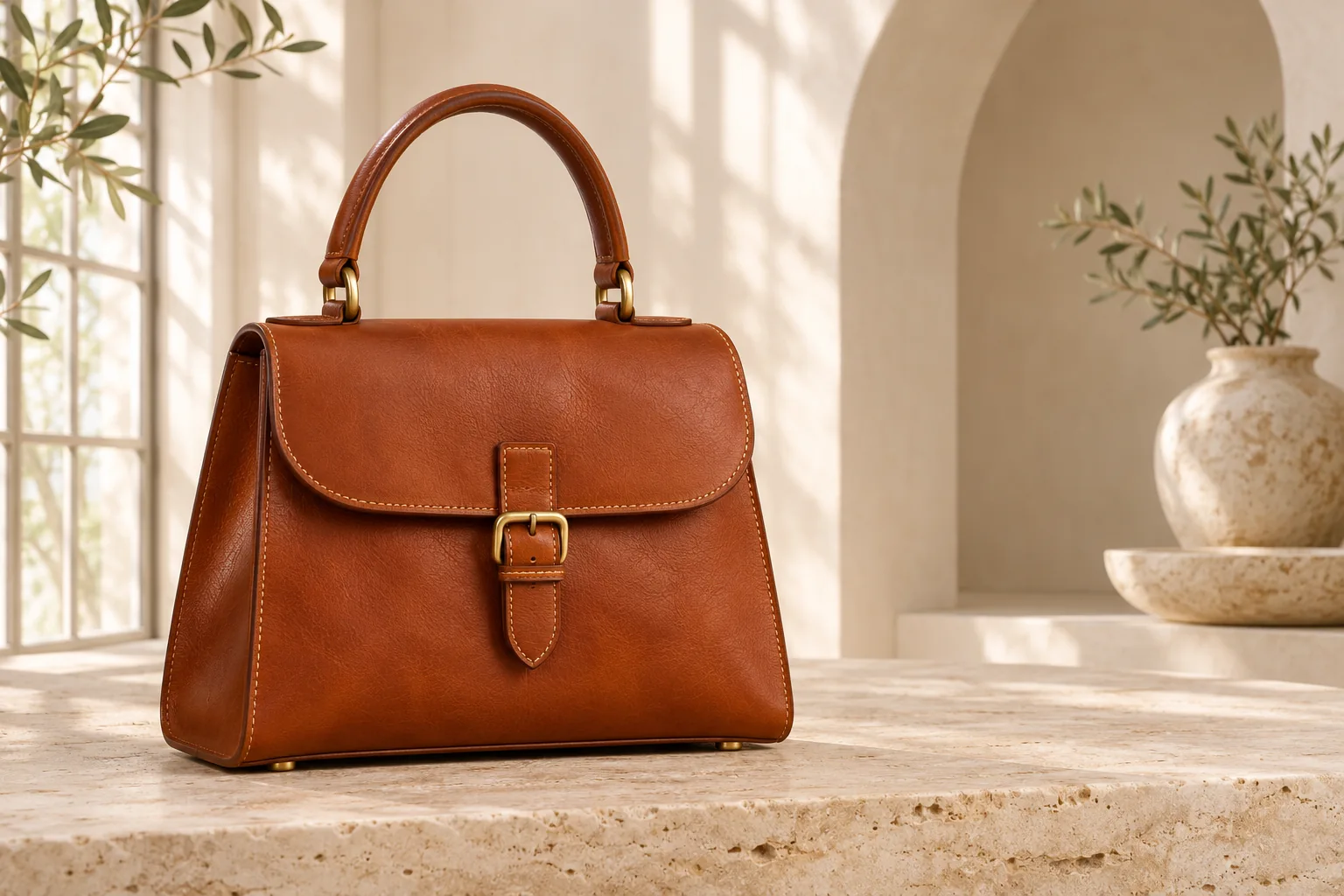
Leather goods & Studio workflow
AI handbag photography: a practical Studio workflow
Follow a documented BestImage handbag workflow, from an AI-created reference to a daylight scene, with saved settings and practical review checks.
Beauty & packaging
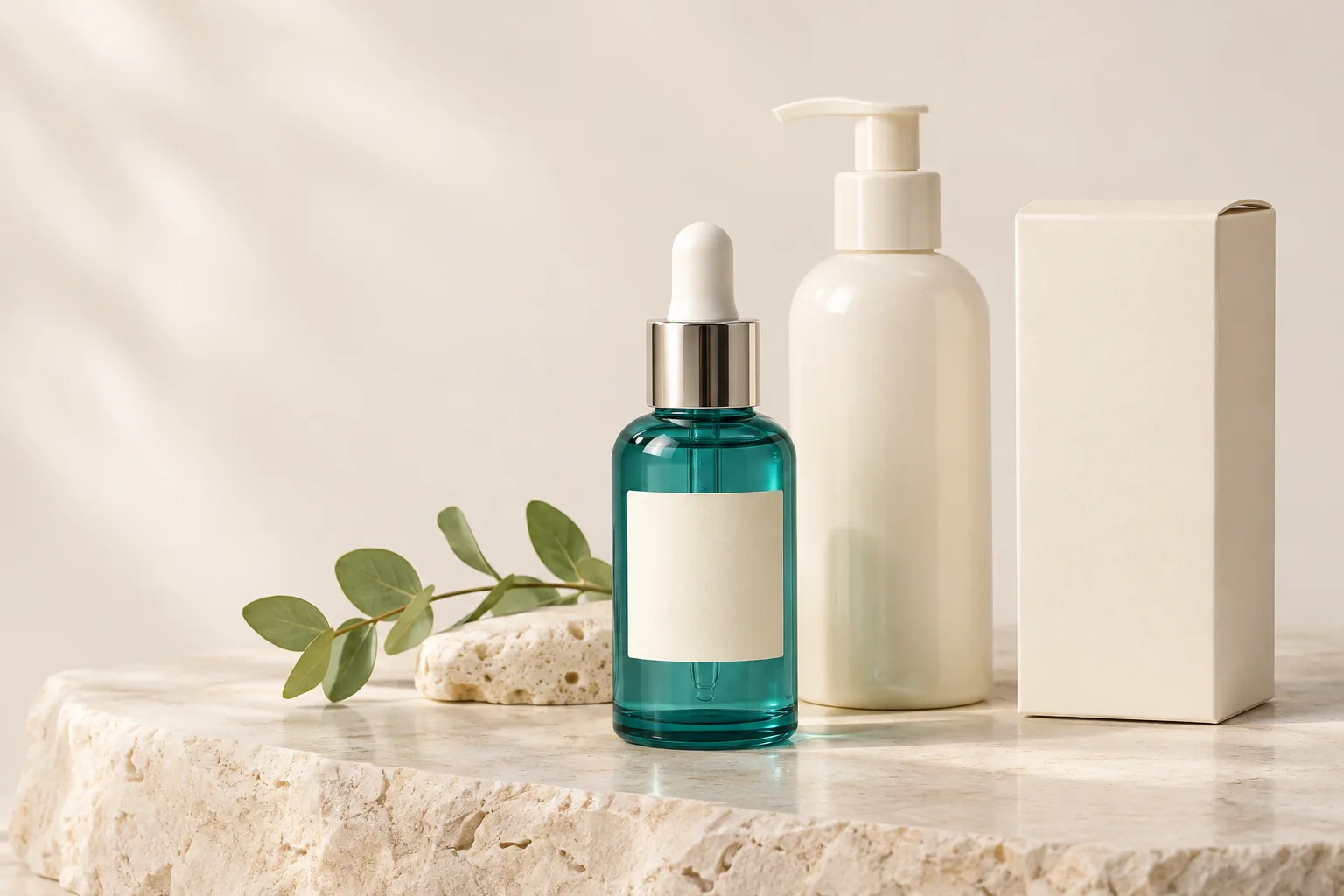
Skincare product photography: labels, colour and light
Photograph skincare packaging with clearer labels, controlled reflections and consistent colour. Check the details before publishing AI-edited images.