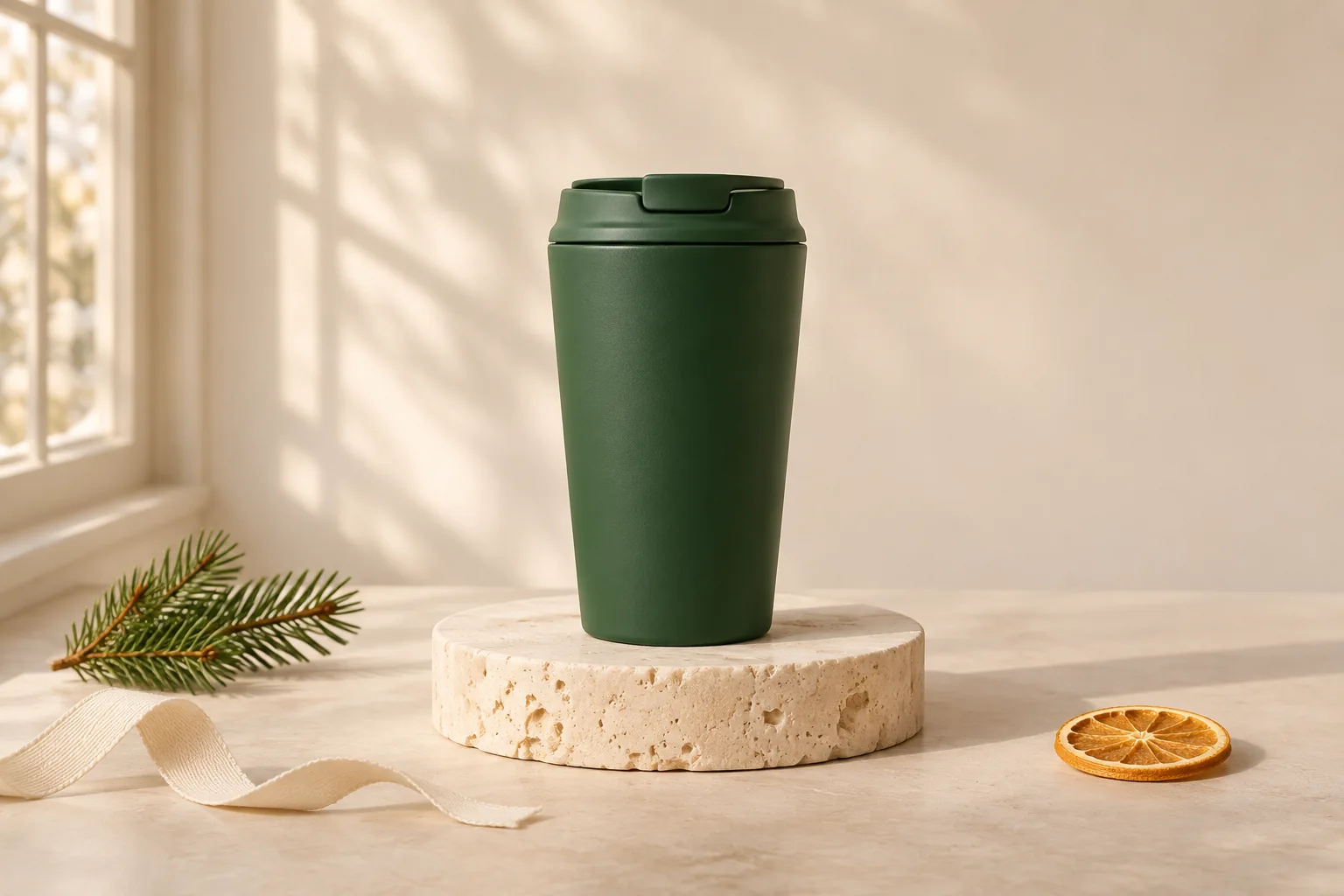
Campaign planning
Seasonal product photography with a consistent style
Plan seasonal product photos with consistent colours, framing and lighting. Refresh your storefront while checking each image against the product.

BESTIMAGE / INSIGHTS
Practical advice on photography, light and creative direction.
Build a catalog that feels considered, from reference to delivery.
Campaign planning
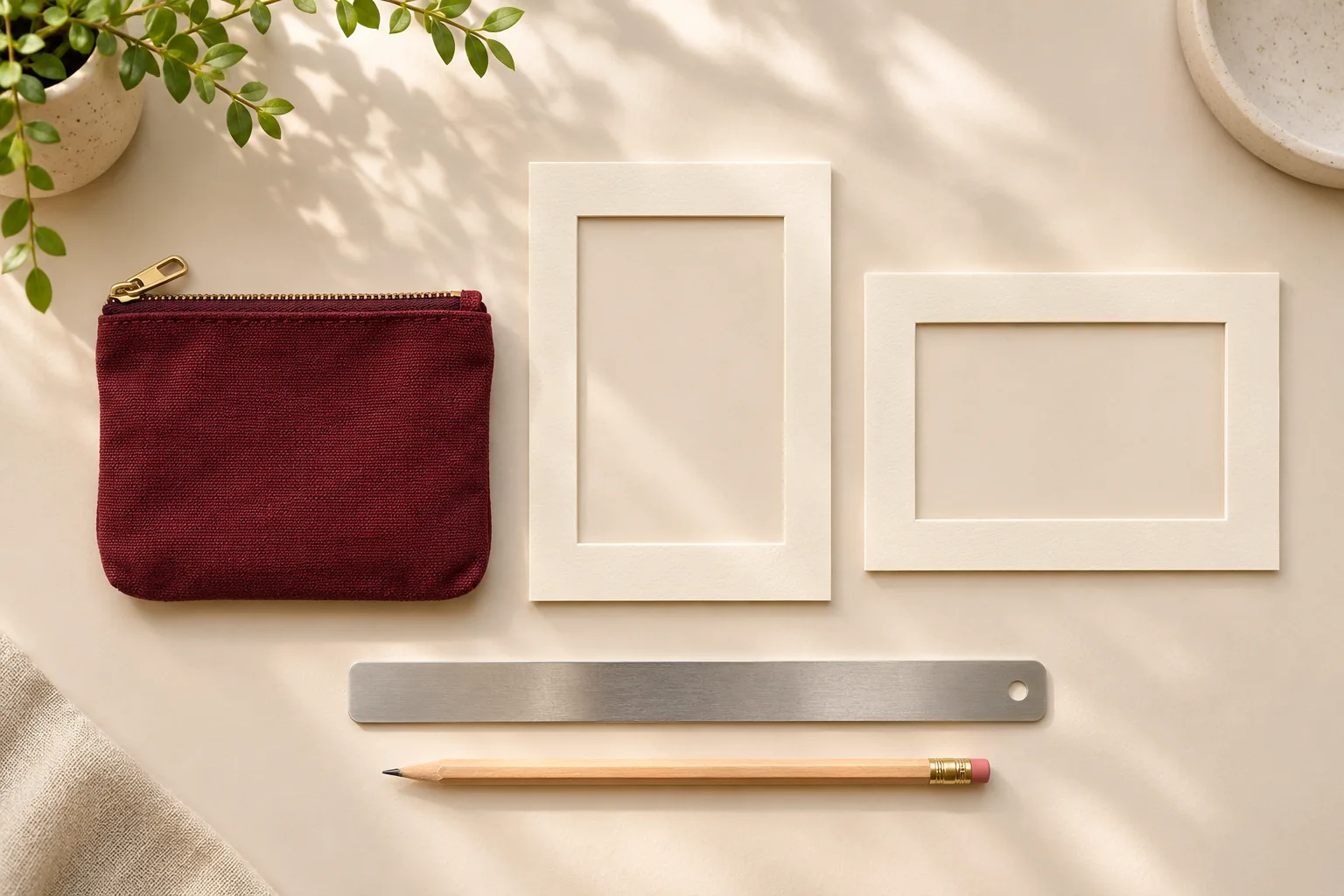
Plan seasonal product photos with consistent colours, framing and lighting. Refresh your storefront while checking each image against the product.
Image sizing & delivery
Resize product photos while keeping handles, lids and edges in frame. Understand pixels, aspect ratios, file formats and BestImage upload limits.
Handmade & homeware
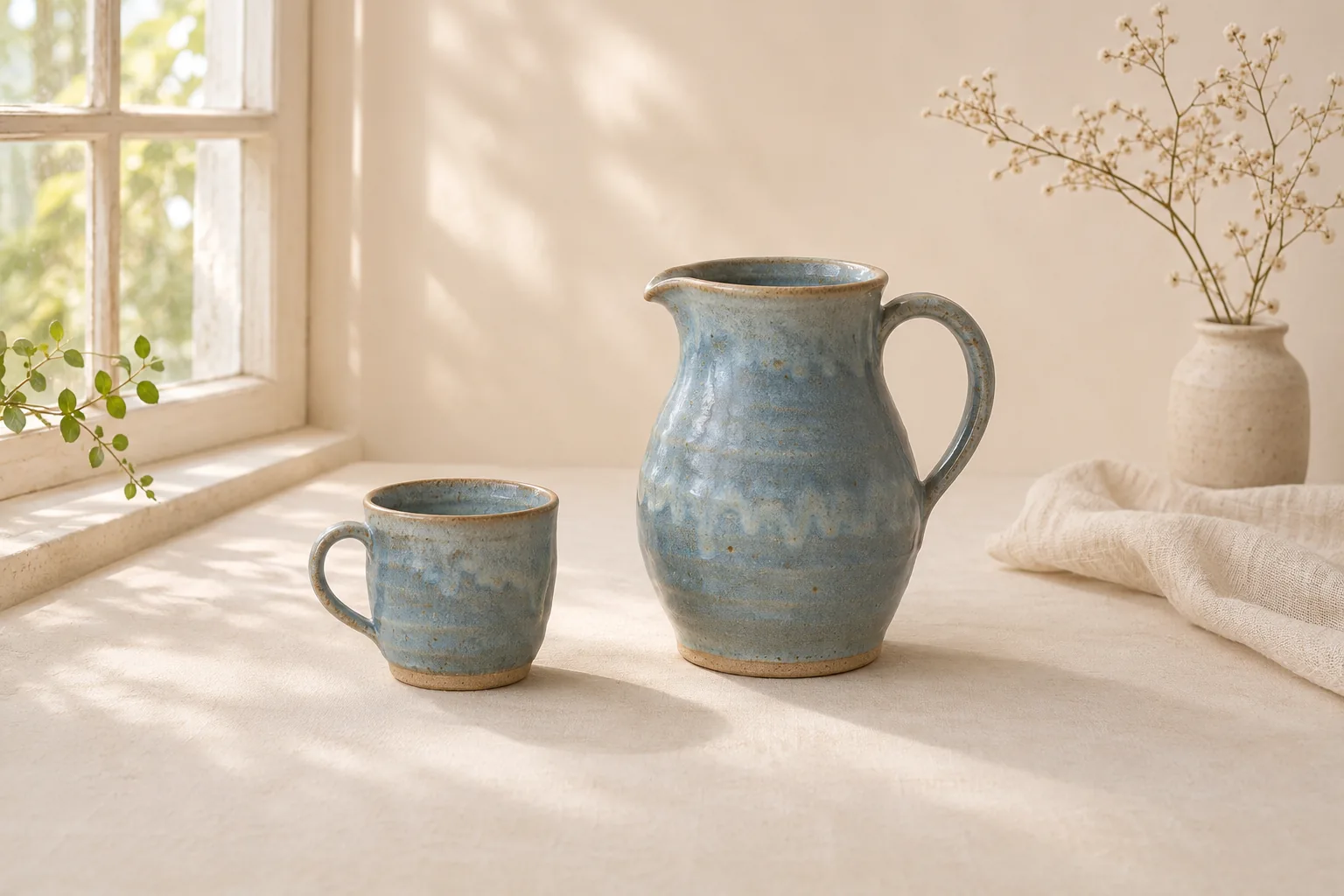
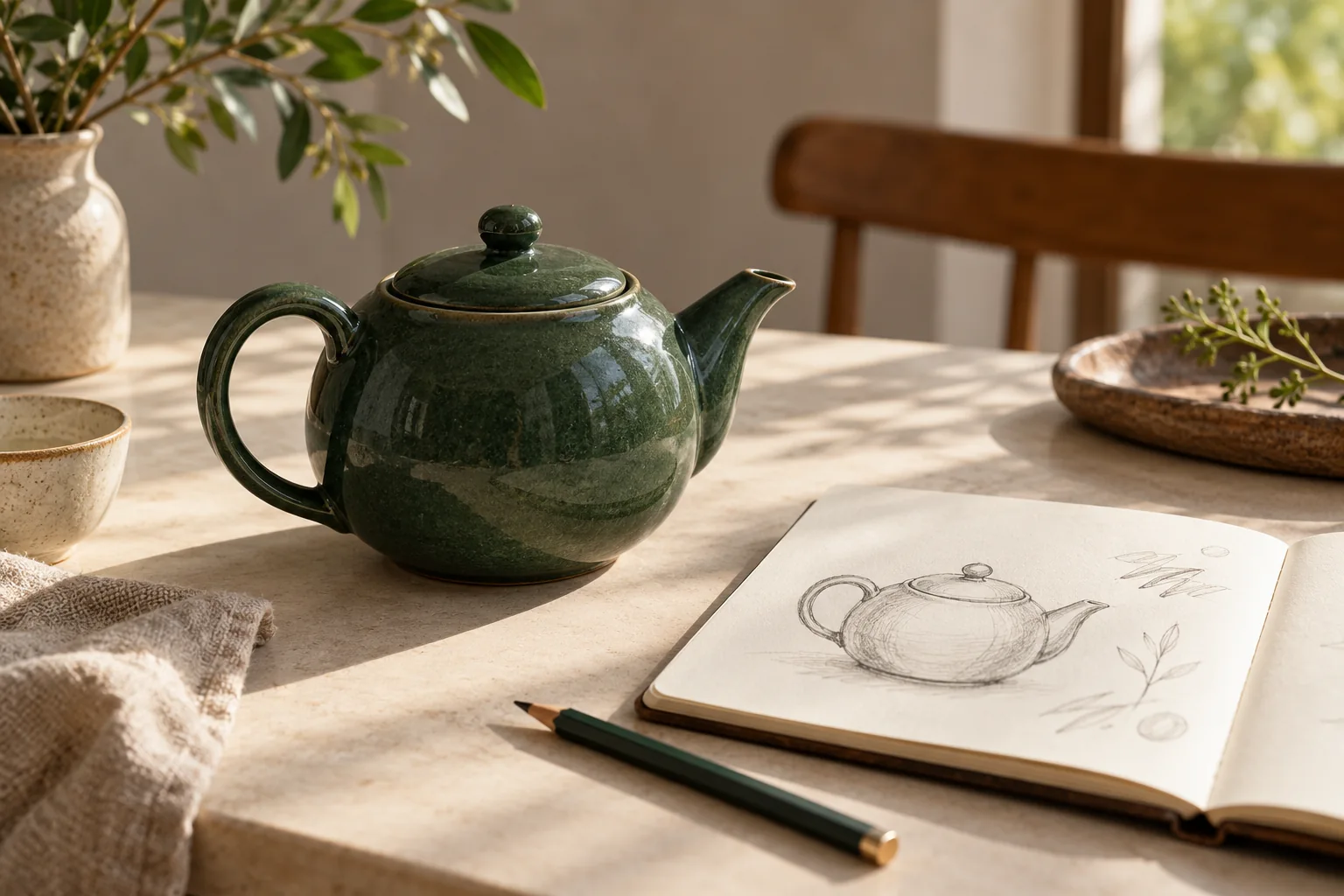
Show handmade ceramics clearly with practical advice on light, glaze, rims and scale. Build shop photos that preserve the character of each piece.
Jewelry & detail
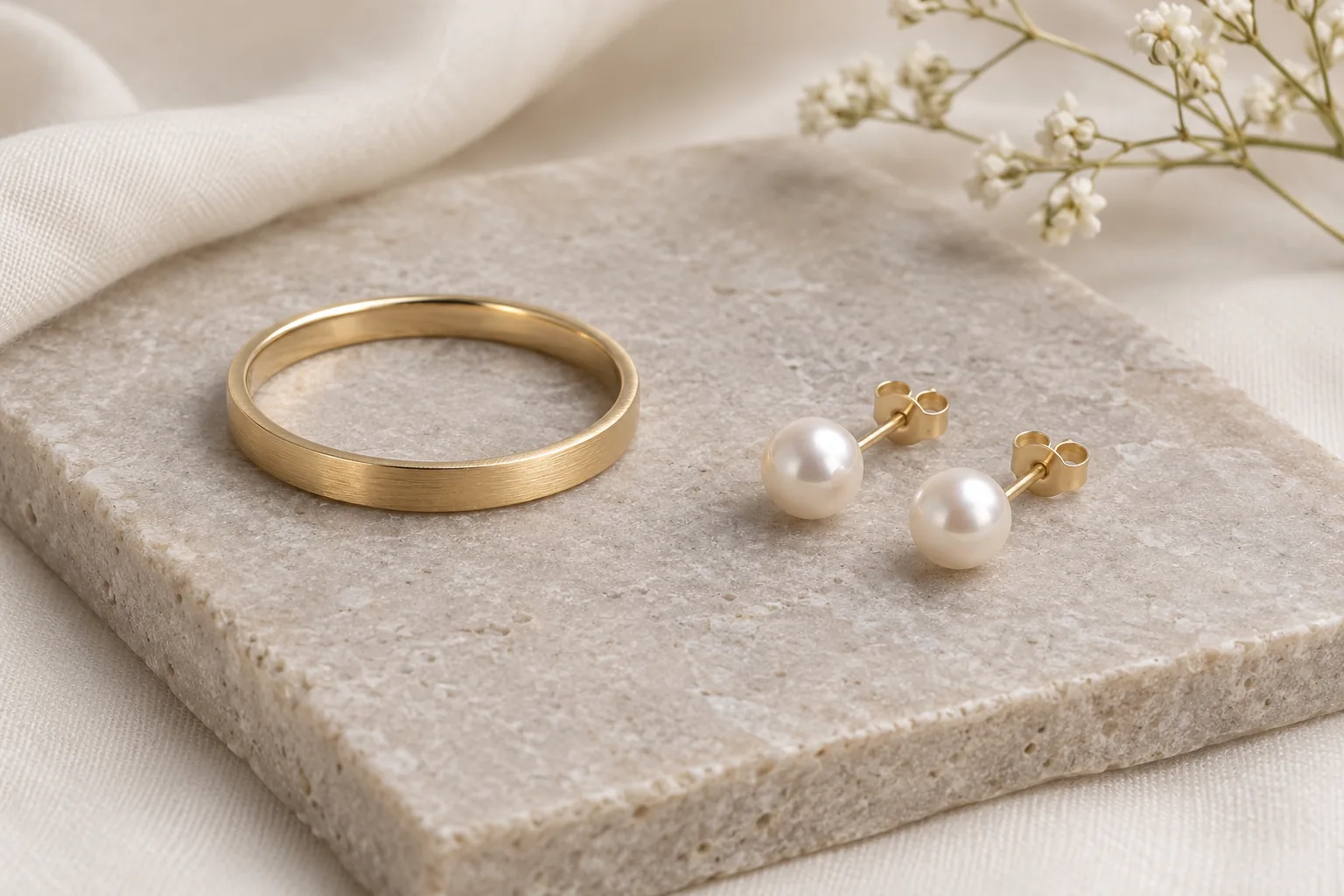
Choose jewelry photography backgrounds that reveal edges, metal finish and small details. Plan clear views and review AI scenes carefully.
Beauty & packaging
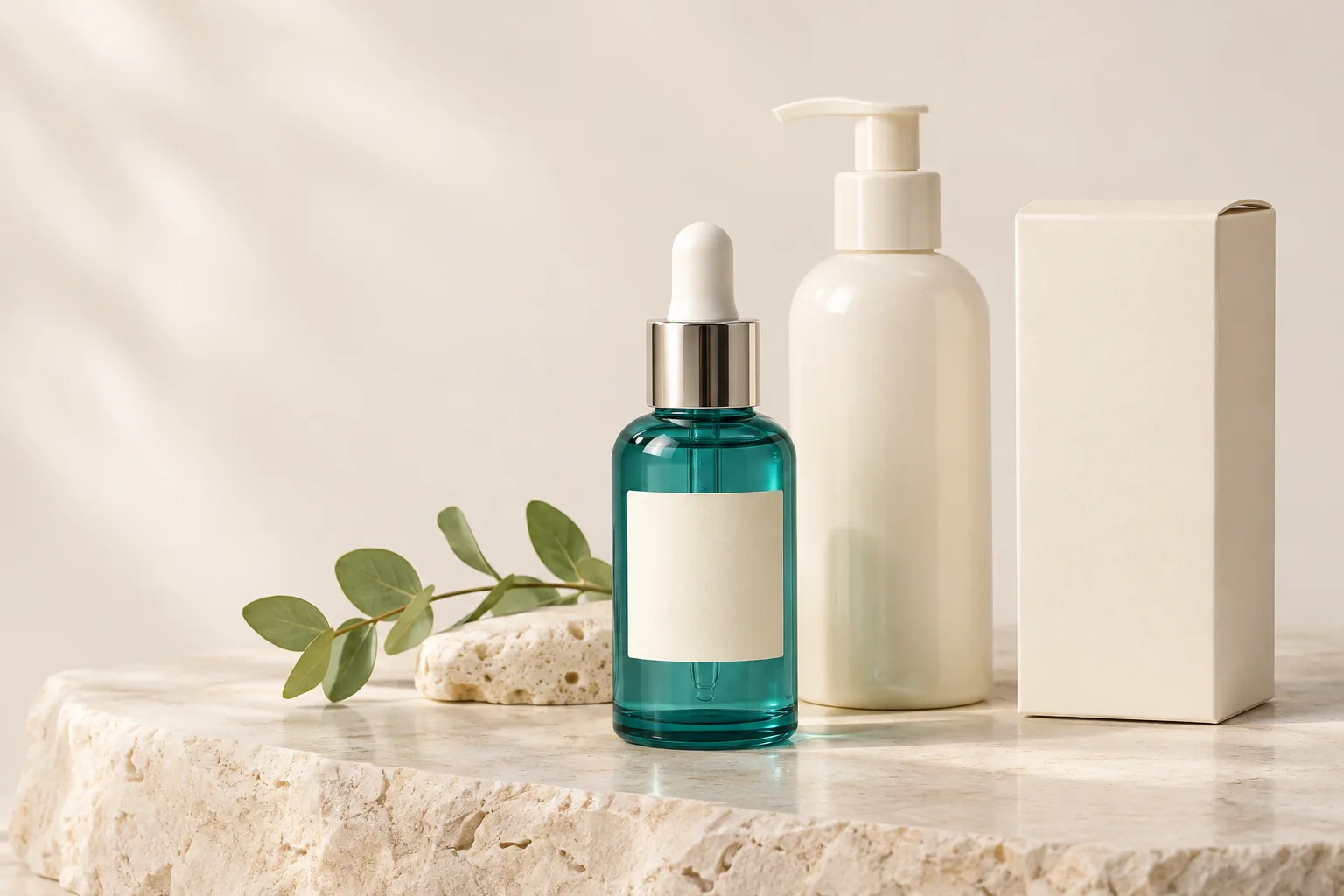
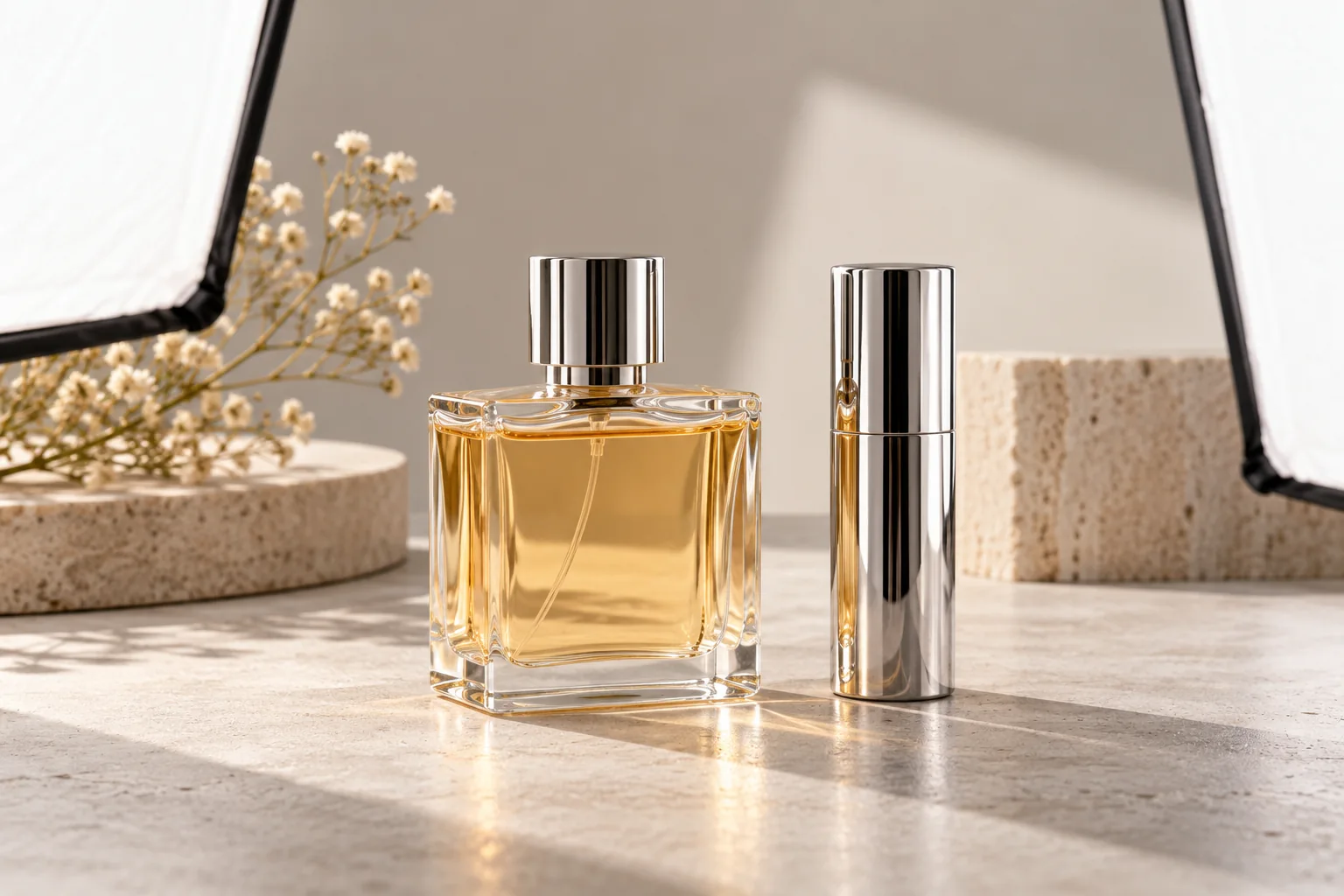
Photograph skincare packaging with clearer labels, controlled reflections and consistent colour. Check the details before publishing AI-edited images.
Leather goods & Studio workflow
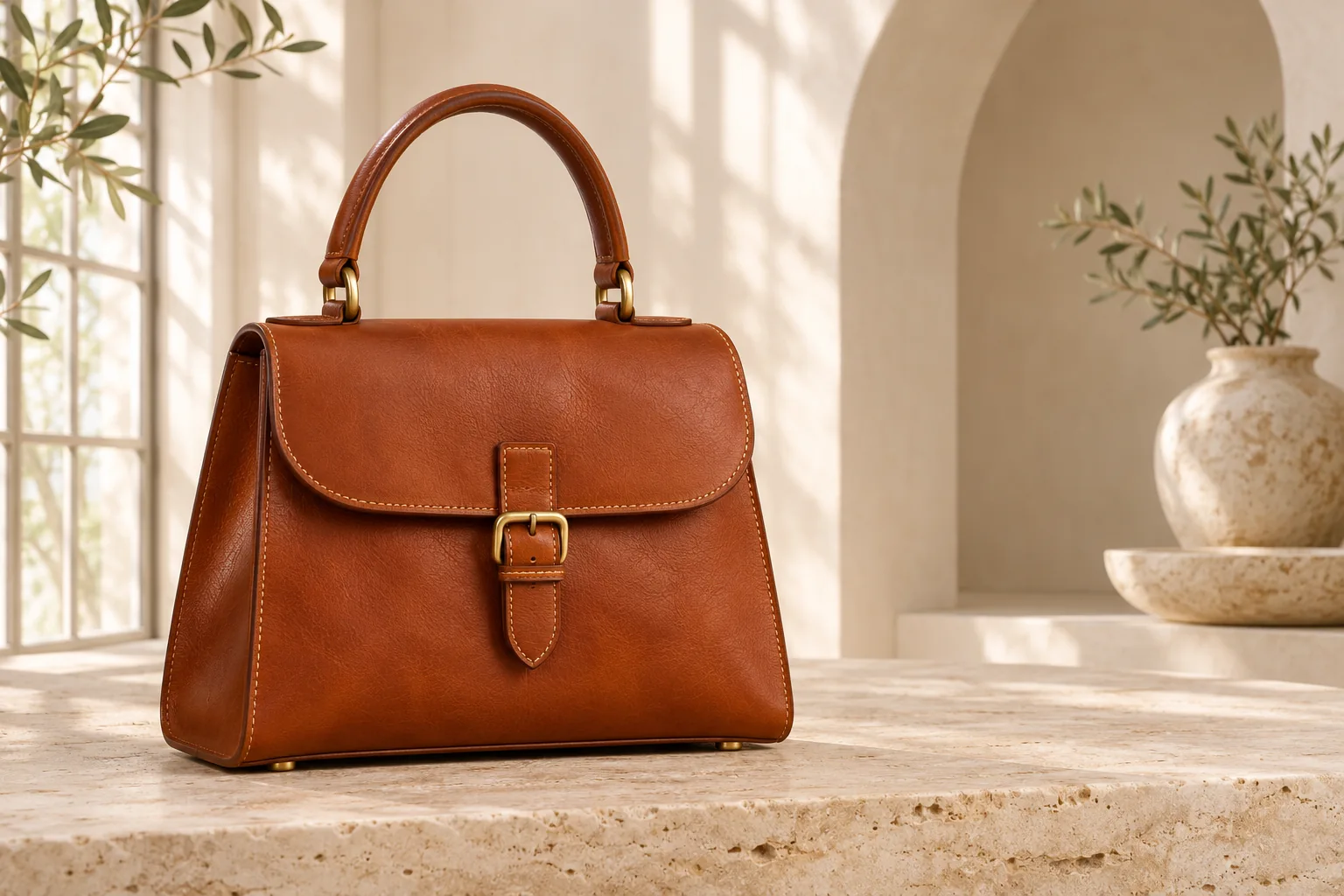
Follow a documented BestImage handbag workflow, from an AI-created reference to a daylight scene, with saved settings and practical review checks.
Image SEO & accessibility
Write clear product image alt text with practical examples. Learn what to describe, what to avoid and how reviewed descriptions travel with exports.
Materials & lighting
Control glare, show clear edges and check reflections when photographing shiny or transparent products for AI editing and online listings.
Review & accuracy
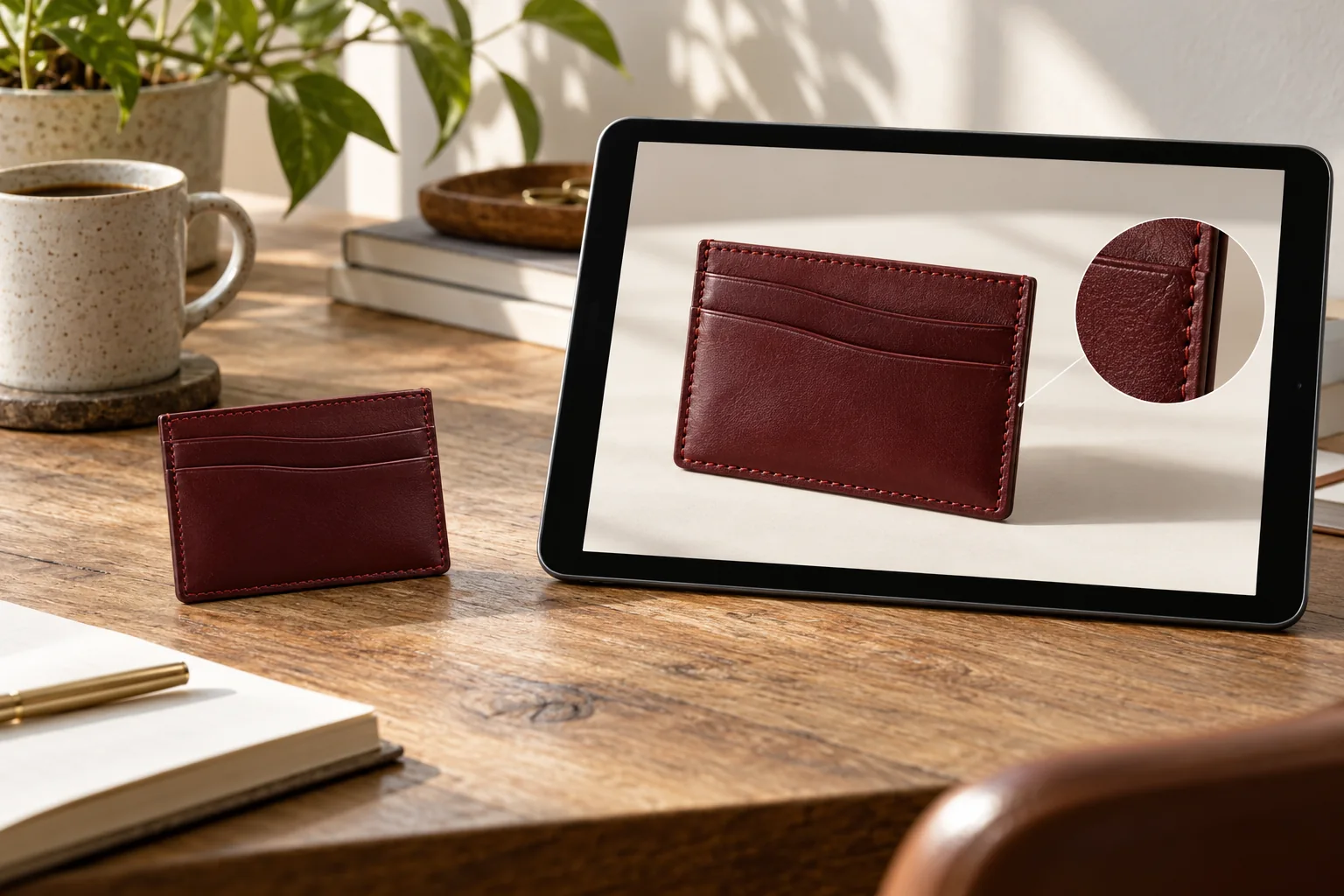
Check labels, shape, colour and shadows in AI product photos. Follow a practical review routine before approving images for your store.