
From product photo to a considered campaign.
A practical guide to creating, checking and delivering your product imagery.
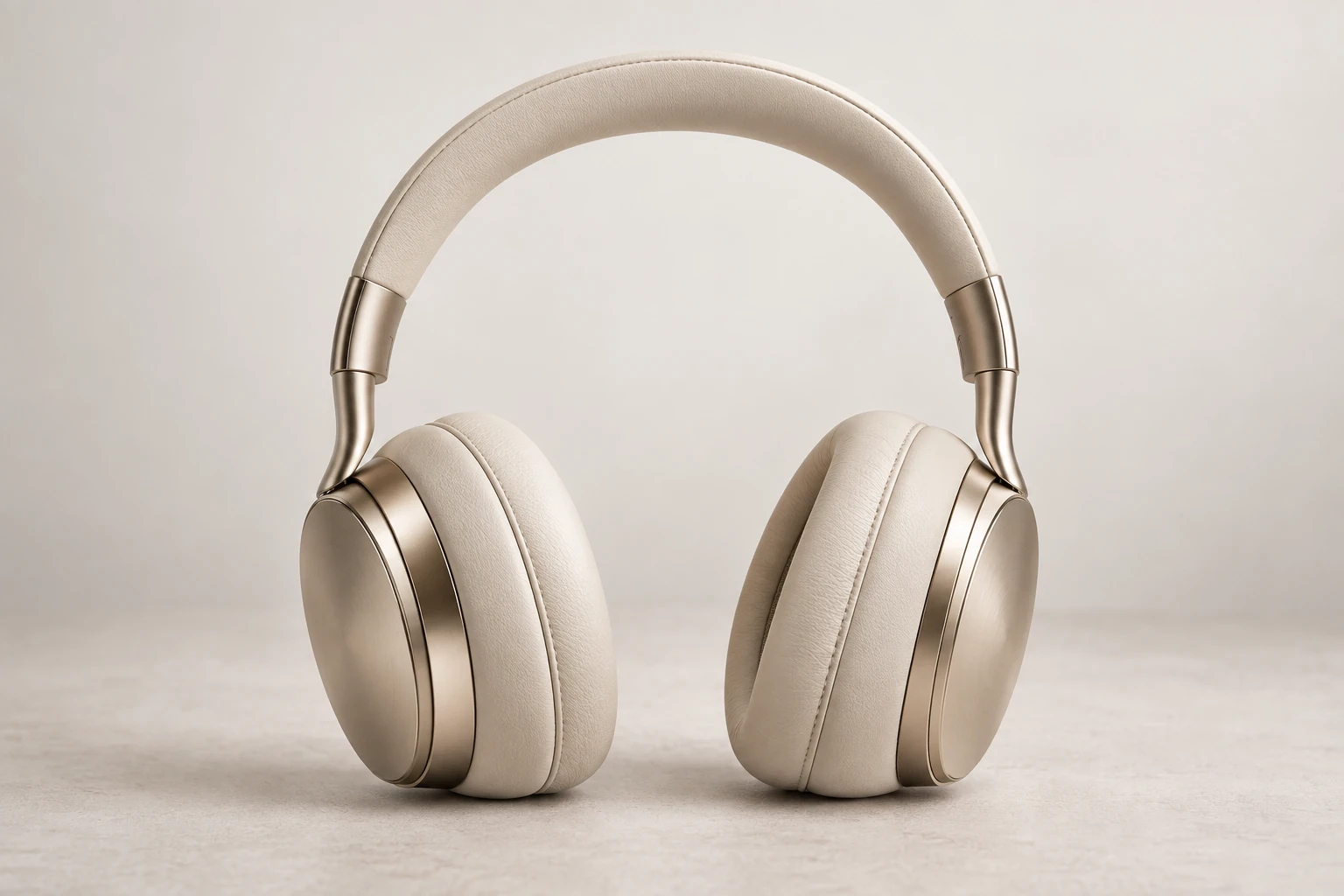
Start with a clear reference.
- Create a project with a recognisable name. Upload a still JPEG, PNG or WebP within the displayed limits.
- Keep the product, packaging and label unobstructed. Use photographs you have permission to process.
- Choose Product treatment: creative generation, background removal with a preserved foreground, or your existing transparent cutout. Check the reference preview.
You can select up to five files for sequential processing. Remaining files stay in the current browser tab until submitted.
Build a consistent atmosphere.
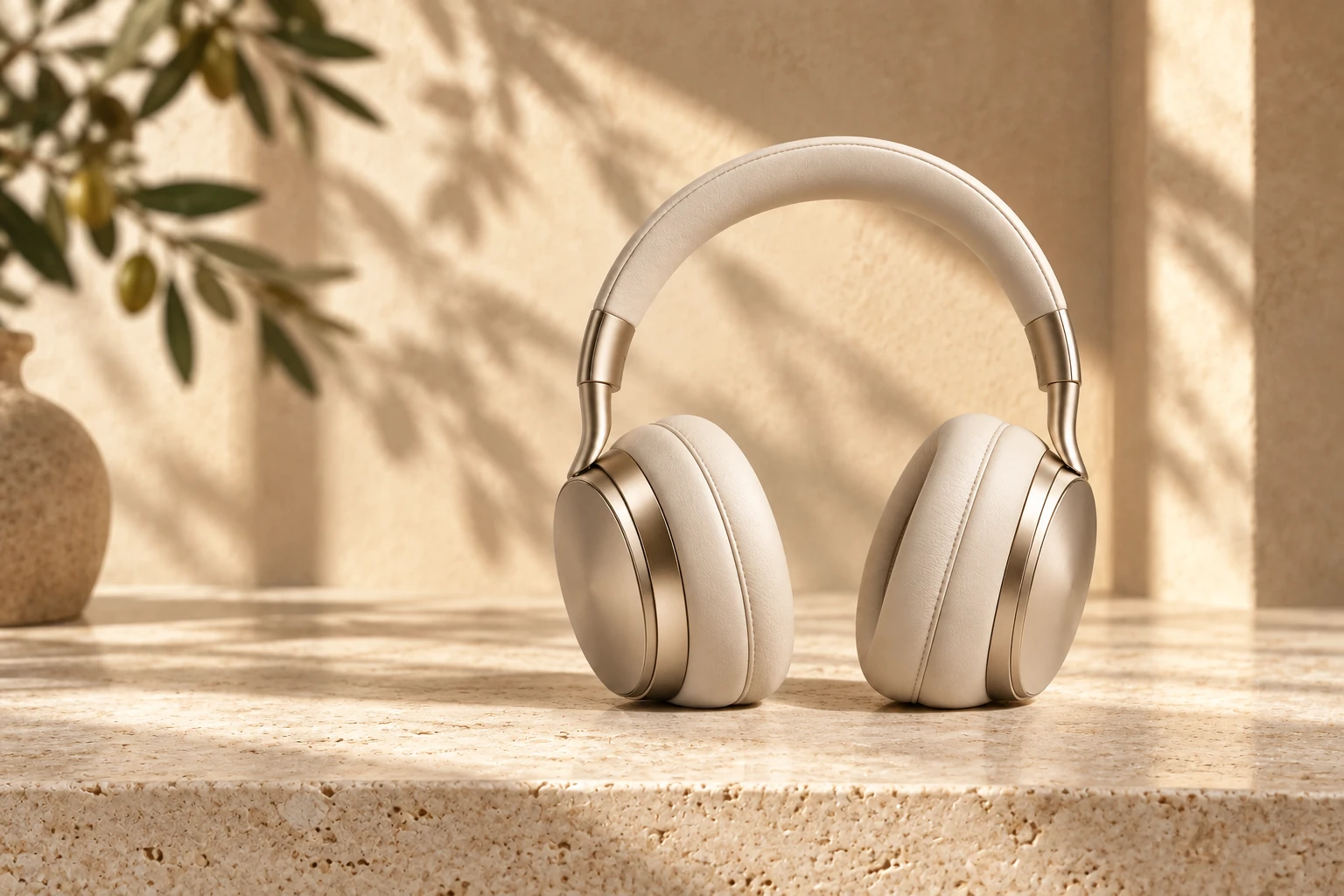
Explore 31 curated starting points across 8 scene families. Filter the library, choose a supporting surface, then set composition, lighting and restrained props.
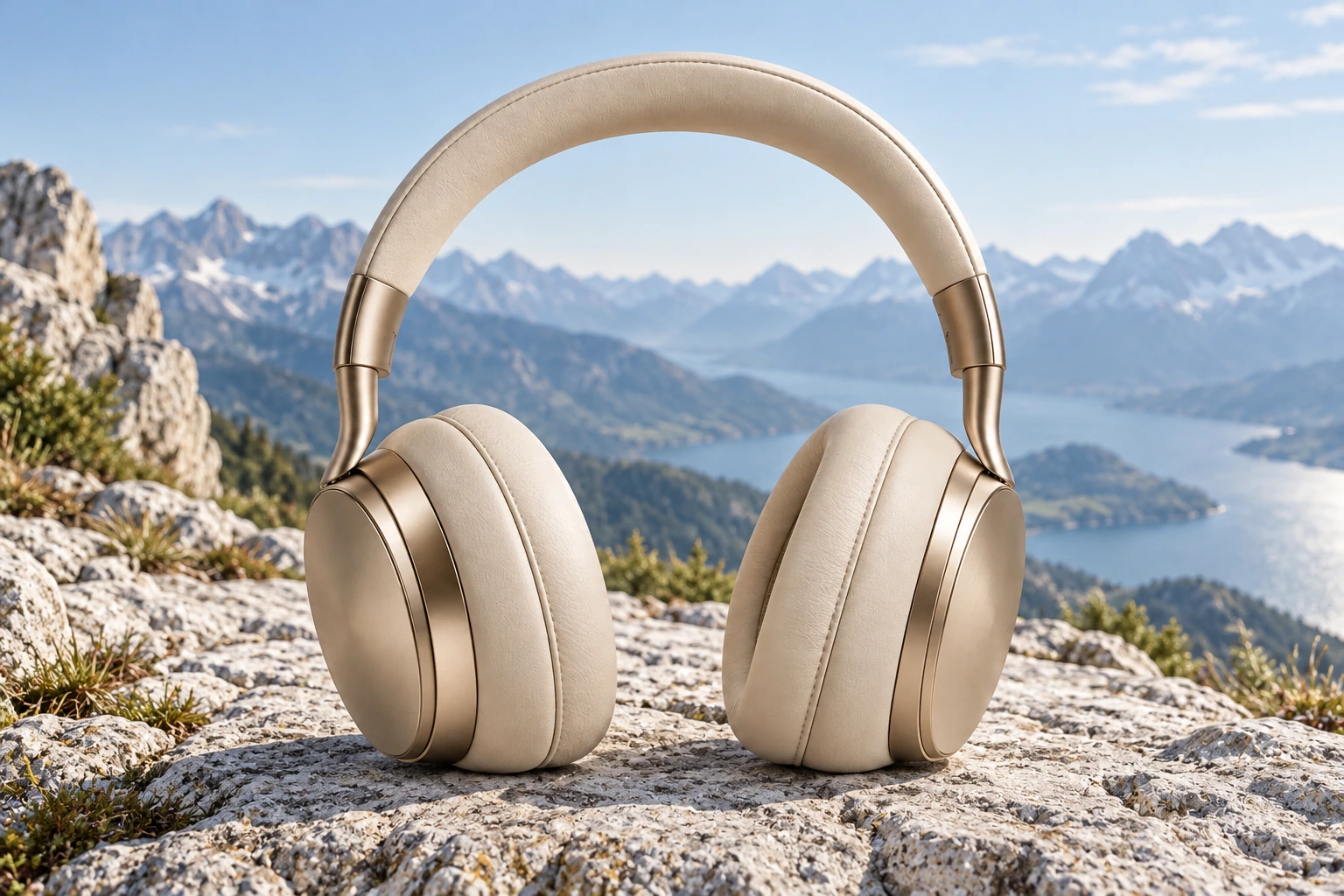
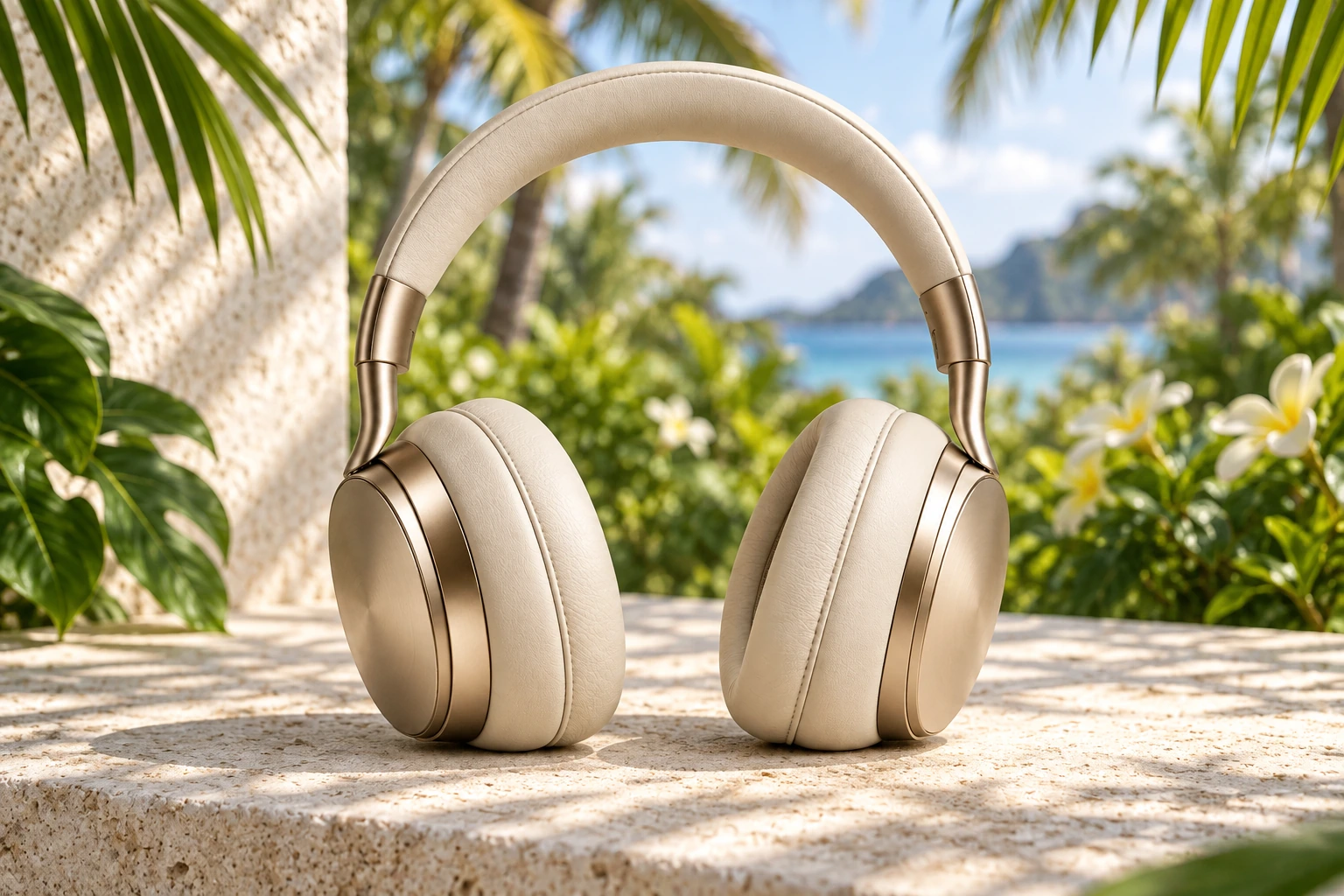
Save reusable direction in Brand DNA. It guides consistency; it does not guarantee identical environments or exact colour matching.
Choose a single image or a Campaign bundle. Confirm permission to send your image to OpenAI, then submit once. Follow the saved job status; processing time varies. Reopen the same project after a connection interruption.
Check the details. Deliver with confidence.
- Compare Original and Result. Inspect full size for labels, proportions, materials, colour, edges and grounded shadows.
- Record your review and manual-correction assessment. Complete the product checklist before approving an image.
- Use Delivery options for format conversion and channel sizes. Exports fit the complete scene without cropping or upscaling; padding may be added.
- Optionally enter your product title and SKU. Download the delivery ZIP with the manifest documenting size, declared provenance and review status.
Studio tools also offer private review links, background expansion, selective fabric retouch and Color Studies. The last two remain pilots and require careful review. Actual SKU matching is not certified.
Open catalog history →Find your answer.
16 answers available
Why is Generate image disabled?
Read the message below Generate image. It identifies a missing upload, permission to send the image to OpenAI, insufficient credits, or account availability. Saving a draft does not require generation access. During private validation, generation is restricted to administrators.
What can I upload?
Use a still JPEG, PNG or WebP up to 10 MB and 16 megapixels; a hosting limit may be lower. Keep the complete product visible, with sharp labels and even lighting. Up to five selected files are processed sequentially, not simultaneously.
Which product treatment should I choose?
Creative scene lets AI redraw the product and can change labels or proportions. Remove background · Keep product pixels first isolates an ordinary photo, then composites its resized foreground into the scene. Keep product pixels · Transparent cutout uses your already isolated PNG or WebP. Check fine edges, glass, translucent materials, colour and shadows in every mode.
Does preserving product pixels guarantee an identical original?
Preservation retains the resized foreground rather than asking the model to redraw it. Isolation, resizing and edge handling can still affect small details. It is not a guarantee of pixel identity with your original full-resolution photograph. Always compare and inspect before publishing.
Can I use outdoor, seasonal or creative scenes?
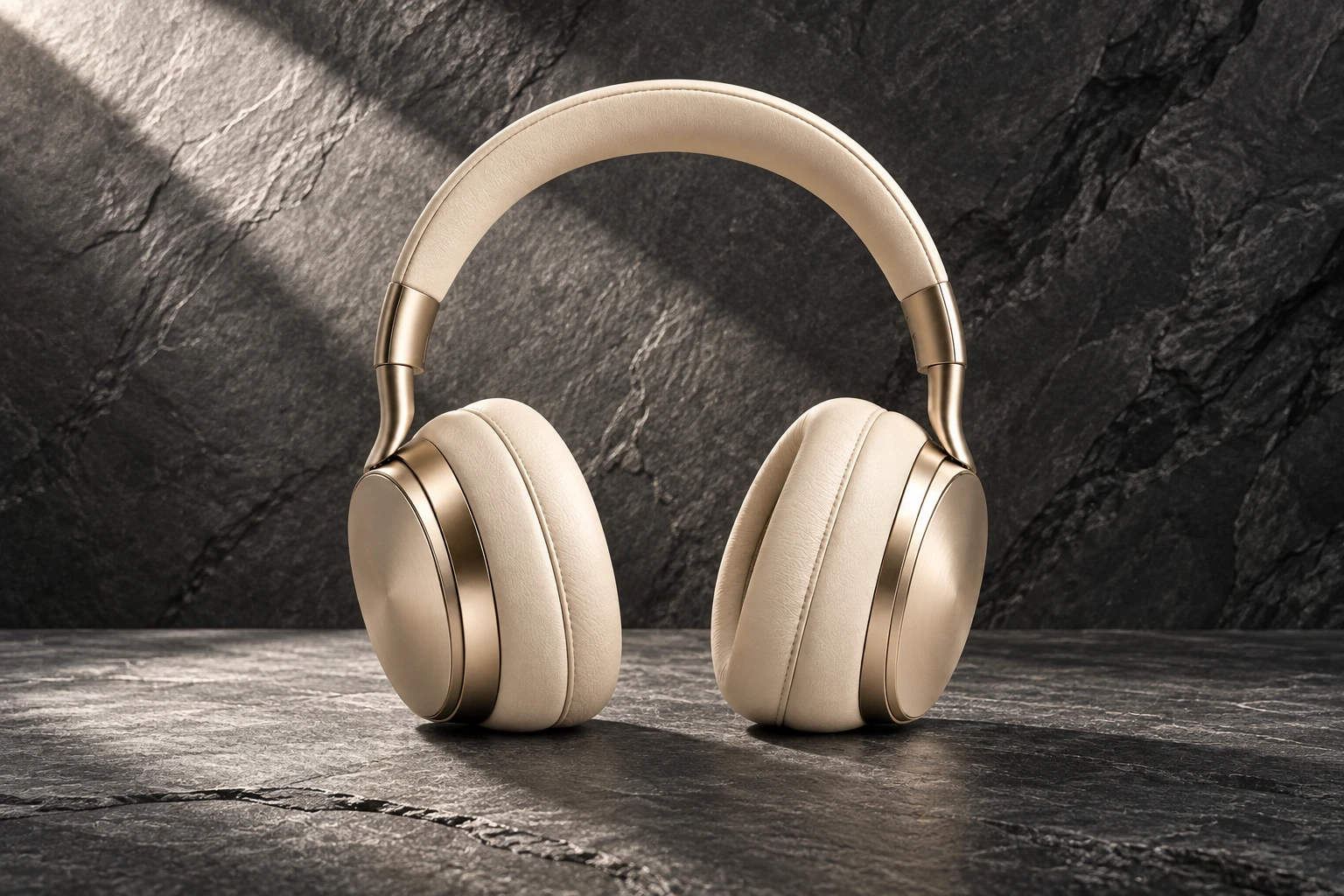
Yes. The library includes Indoor, Outdoor, Still life, Elements, Architecture, Studio, Seasonal and Creative families. Previews use illustrative headphones. Your own product and saved brief guide generation; each generated environment varies.
Will Brand DNA reproduce exactly the same scene?
Brand DNA saves your scene, light, shadow and creative preferences for reuse. Defaults apply to new projects; existing projects keep their saved direction. A saved brief guides consistency but does not guarantee an identical background or exact colour reproduction.
How many credits does a generation use?
A single image reserves one credit. A Campaign bundle reserves three credits for Catalog, Lifestyle and Social outputs. Failed outputs are refunded individually. Saving projects, reviewing and exporting existing images do not use generation credits. A new refinement or pilot generation requires the displayed credits.
What happens if generation fails or the connection drops?
Reopen the existing project to reconnect to its saved job. The worker may still be processing. Check job status and balance before creating another request. A failed output refunds its reserved credit; successful campaign outputs stay available. Contact support with the project name if a status remains unclear.
Can I purchase credits or subscribe now?
Credits & billing shows the current catalog and whether purchases are available. Private validation does not imply public access. No subscription, free allowance or discount is promised unless an actual available offer explicitly states it.
How do I approve a result?
Open Review full size and check labels, logos, shapes, materials, colours and edges against the reference. Approval requires completing the product checklist. Record any manual corrections honestly. Unreviewed images are not automatically approved.
What sizes and formats can I export?
Delivery options offer the saved file or JPEG/PNG conversion and channel-oriented sizes. The complete scene is fitted without cropping or upscaling; white padding may fill unused space. The manifest records actual dimensions, padding, review notes and lineage. Preset sizes do not promise acceptance by every marketplace.
What does verified export metadata mean?
BestImage verifies that the export contains the declared metadata and delivery manifest. Optional product title and SKU are supplied by you, not guessed. AI provenance is declared where supported. This is not signed C2PA certification, product authenticity verification or a guarantee that another platform retains metadata.
Are fabric retouch and Color Studies production-ready?
Both are pilots in Studio tools. Paint only the area to change; unselected pixels are restored from the saved source. Review selection boundaries and product details. Fabric retouch needs testing on real garments. Color Studies do not certify the colour of a real SKU variant.
What about commercial use and ownership?
Use source photos and assets you have permission to use. Review the current Terms for service conditions. An AI image does not establish rights to a logo, product design or source photo, and it must not invent product features or claims.
Who receives my photo and contact details?
Generation requires permission to send the product image to OpenAI. Saved assets use the private Studio access flow. Contact enquiries go to the support mailbox and do not subscribe you to marketing. Read the Privacy Notice for processing details.
How do I contact support about an order or project?
Include the project name or order reference in Contact support. Never send a password, API key or card details. Mail-service acceptance confirms submission, not that a human has read the message. No fixed response time is promised.